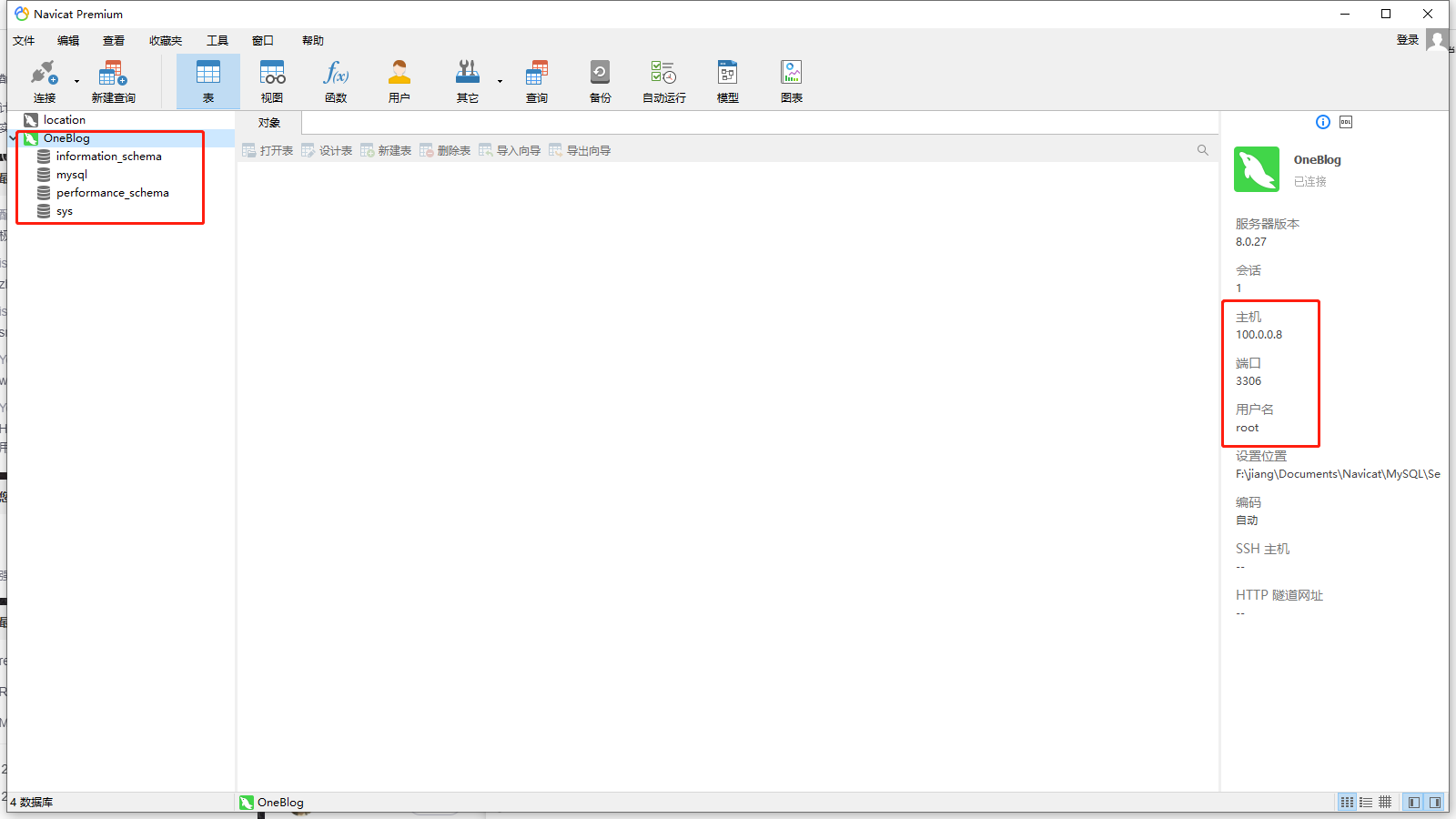
Centos 安装 MySQL

Centos 安装 MySQL
顾拾柒准备安装包
1. 打开mysql的官网
MySQL :: Download MySQL Community Server
如下图
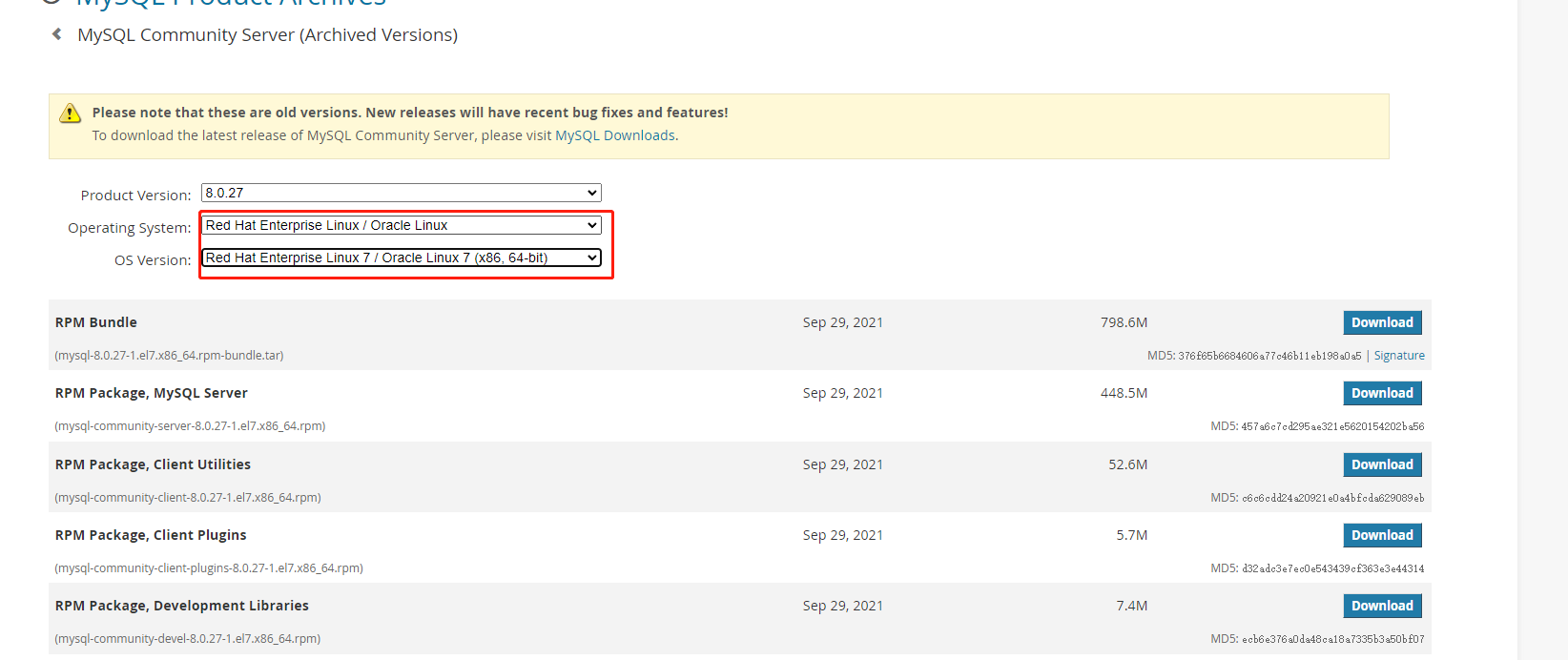
2. 选择对应的版本
CentOS 是基于红帽的,Select OS Version: 选择 linux 7,如下图
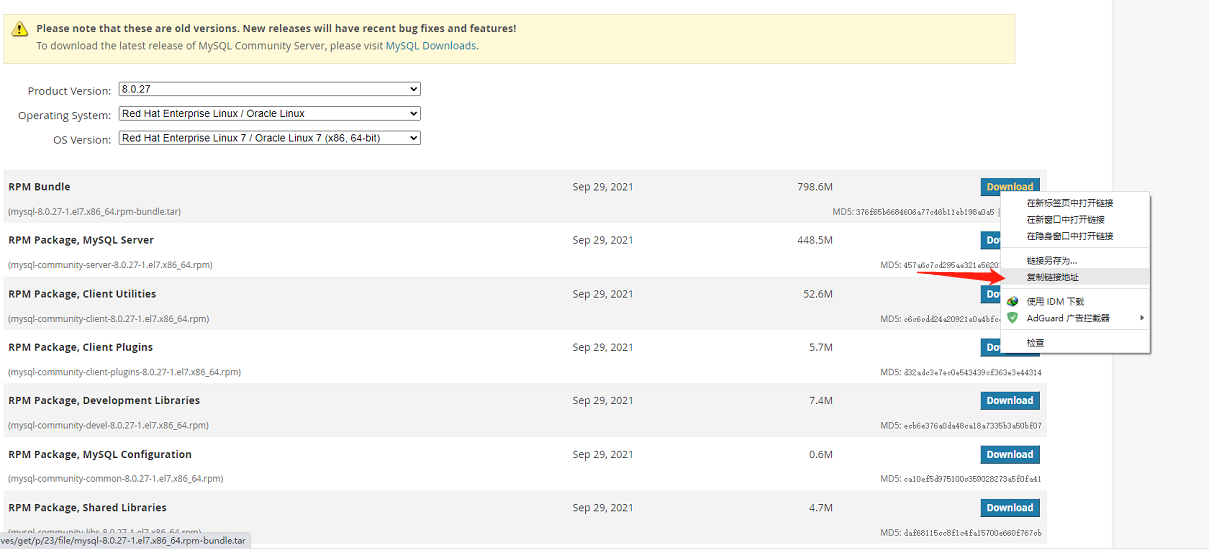
3. 右键复制链接地址
1 | https://downloads.mysql.com/archives/get/p/23/file/mysql-8.0.27-1.el7.x86_64.rpm-bundle.tar |
4. 回到linux
进入/data目录
1 | cd /data |
输入wget下载指令
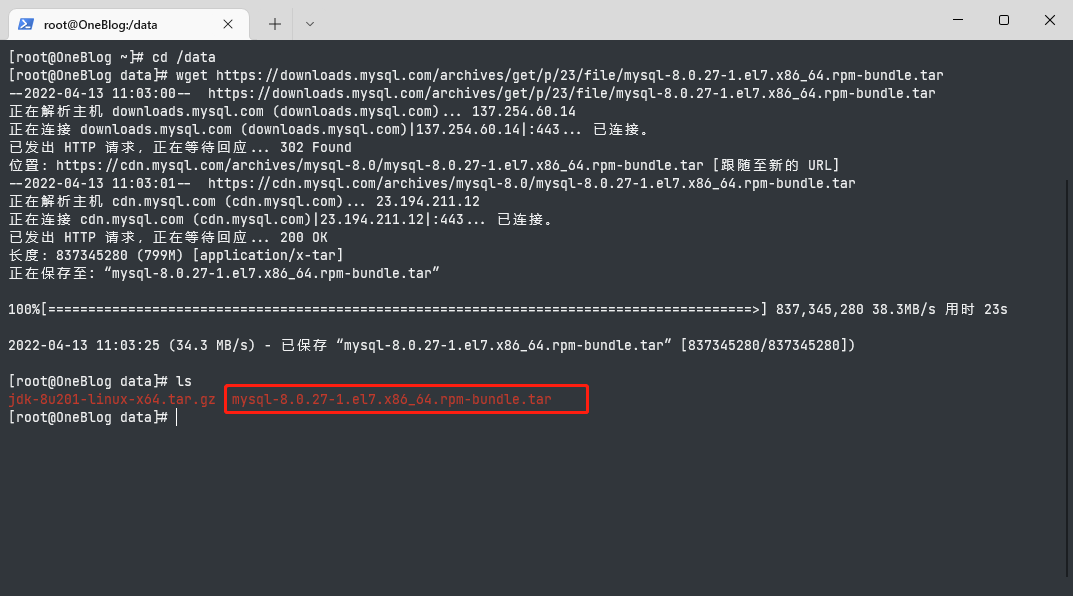
1 | wget https://downloads.mysql.com/archives/get/p/23/file/mysql-8.0.27-1.el7.x86_64.rpm-bundle.tar |
正在下载
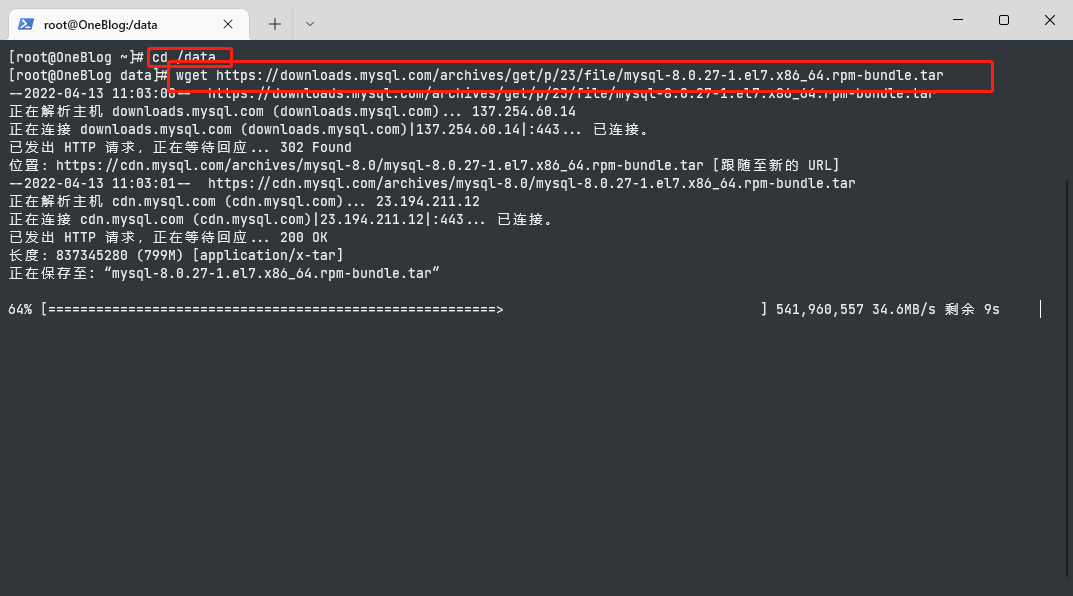
下载完成
安装MySQL
1. 解压压缩包
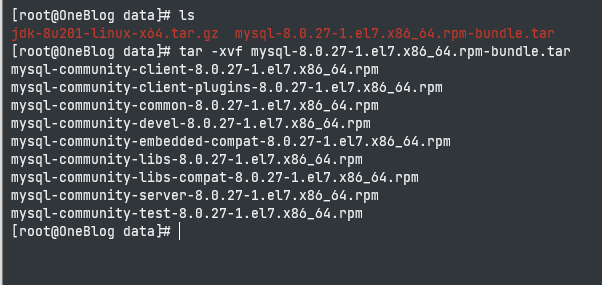
在我们刚才的mysql安装包目录,运行命令解压,解压结果如下图
1 | tar -xvf mysql-8.0.27-1.el7.x86_64.rpm-bundle.tar |
2. 运行安装命令,依次安装
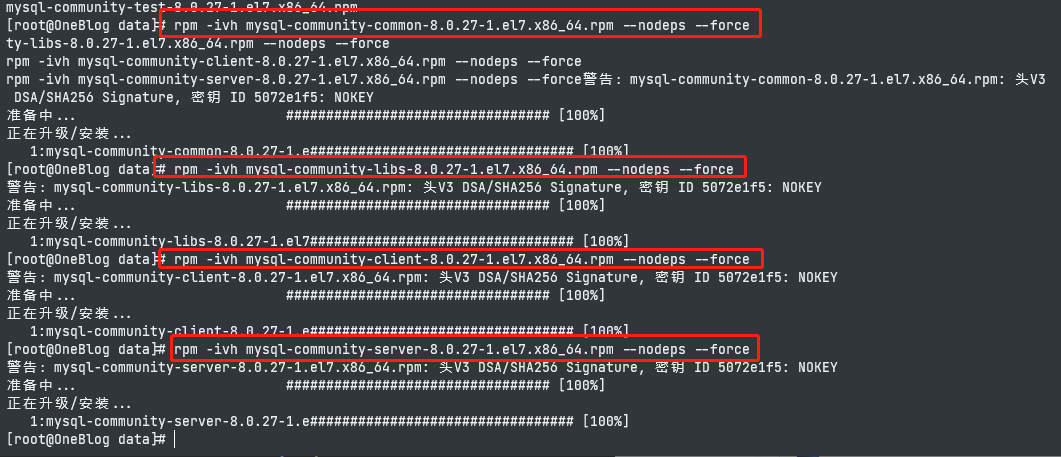
如下图
1 | rpm -ivh mysql-community-common-8.0.27-1.el7.x86_64.rpm --nodeps --force |
3. 查看mysqld
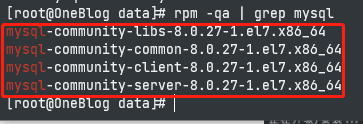
安装完成后,运行命令 查看mysqld
如下图
1 | rpm -qa | grep mysql |
4. 初始化mysql,并开启服务
1 | mysqld --initialize; |
5. 查找mysql的初始密码
1 | cat /var/log/mysqld.log | grep password |

6. 登陆MySQL
1 | mysql -uroot -p |
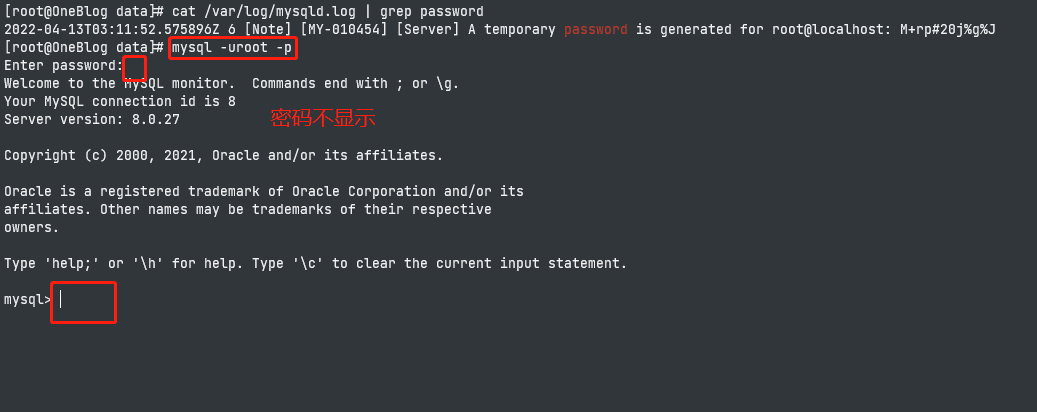
7. 修改密码
虽然mysql安装完成,但是随便运行一个命令就会发现mysql强制要求我们改密码

运行命令 这样我们在本机用root用户登陆时的密码就改为了 root
1 | ALTER USER 'root'@'localhost' IDENTIFIED WITH mysql_native_password BY 'root'; |

重新登录,再运行命令就正常了
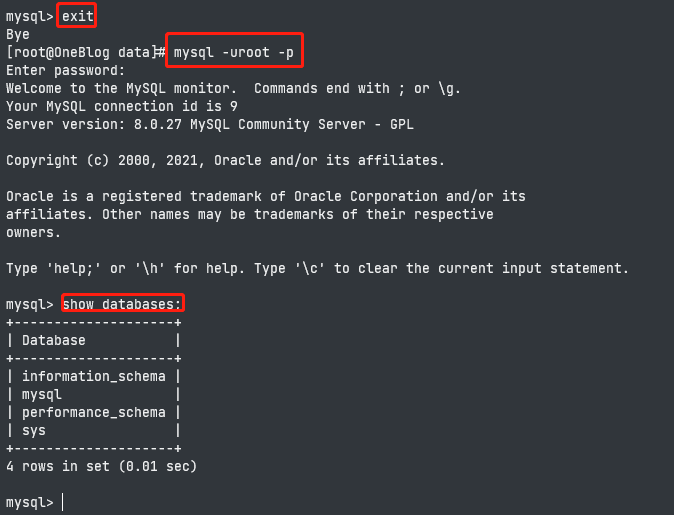
?外部访问不到
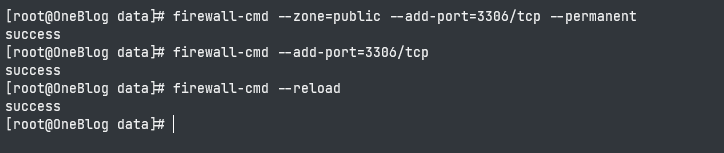
端口问题需要开放端口
怎么开启一个端口
1. 添加
1 | firewall-cmd --zone=public --add-port=3306/tcp --permanent |
2. 添加端口外部访问权限
1 | firewall-cmd --add-port=3306/tcp |
3. 重新载入
添加端口后重新载入才能起作用
1 | firewall-cmd --reload |
这些之后,端口是开启成功的,如果没有成功,重启系统试试。
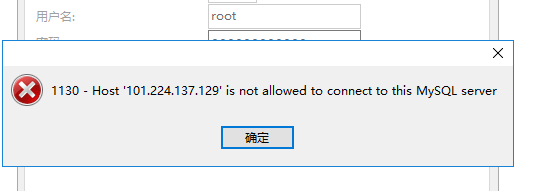
?MySQL只允许本机访问
虚拟机上安装的mysql,发现用本地电脑的navicat链接不上。通过了解知道了原因,此写了一篇,省的以后自己在碰到。
错误如图。
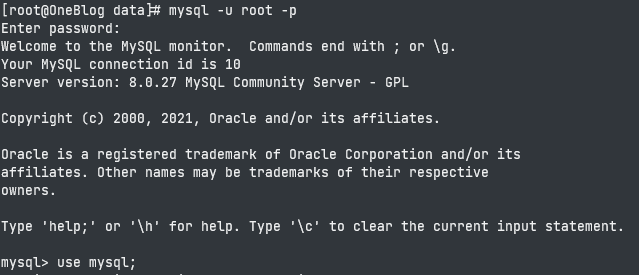
1. 登录到mysql中
1 | mysql -u root -p |
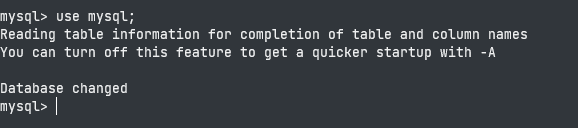
2. 选择mysql表
1 | use mysql; |
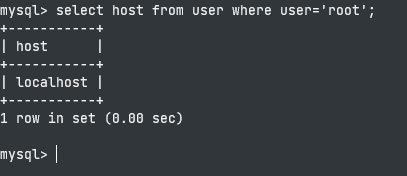
3. 查询账号信息
1 | select host from user where user='root'; |
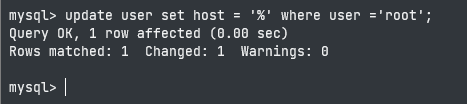
4. 修改帐号不允许从远程登陆
只能在localhost。这个时候只要在localhost的那台电脑,登入MySQL后,更改 “mysql” 数据库里的 “user” 表里的 “host” 项,从”localhost”改称”%”
1 | update user set host = '%' where user ='root'; |
5. 刷新配置
1 | flush privileges; |
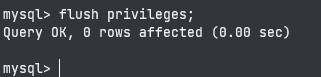
6. 成功修改